How do I keep a sleep diary by voice?
A paper sleep diary asks you to fill in a grid every morning, which most people do for three days and then abandon. With Sayved there is nothing to fill in. Hold the floating button, which is on every screen, and say what you remember. A long-press records immediately, so a half-awake sentence is enough:
- “Slept seven hours, no wake-ups, good.”
- “Terrible night, up three times, maybe five hours in total.”
- “Went to bed at eleven, asleep by midnight, woke at six.”
- “Napped for forty minutes after lunch.”
- “Kid woke us at three, slept about four and a half hours.”
You never pick “sleep” from a menu. Sayved infers the category from the sentence. Voice is transcribed on your phone and the audio is never uploaded. The text goes to an AI model to be read, with no name, email or account attached, and nothing is kept on our servers.
Because one sentence can produce several entries, “terrible night, then three coffees” can become a sleep entry and a caffeine entry in one go. You say it once.
What does a sleep entry actually hold?
Sayved stores only what is real in your sentence. A sleep entry can carry:
- Hours slept, as a number, when you gave or implied one. “About six and a half” is stored as 6.5.
- Wake count, the number of times you woke, when you said it.
- Sleep quality, as a reading on the 0 to 10 scale with the unit “/10”. If you used a word, your own phrase is kept and the slider shows “Read from ‘poor’”.
- When it happened, as you said it and as resolved to a date and time, with a note of how precise it was.
- A neutral one-line summary and notes for anything with no field of its own, such as “kid woke us” or “late meal”.
If you did not say how many times you woke, there is no wake count. A missing value is shown as missing rather than filled with a plausible zero. Bedtime and wake-up times are not separate fields; if you say them they are kept in the summary or notes, not as a clock-time pair you can chart. That is a real limit, so a diary that depends on exact bed and rise times is better served with hours slept as the main value.
Everything derived is editable. Tap the hours to change them or drag the quality slider; your correction is stored separately from what was first read, so nothing is lost.
How does sleep quality work on the 0 to 10 scale?
There is one scale for every subjective rating in Sayved. The number is how much of the named thing there is, so sleep quality 10 is the best sleep you could describe and 0 is none of it. That is the whole rule, and it has one consequence worth saying plainly: Sayved never colours a night, never gives it a grade and never congratulates you. Seven hours with a quality of 4 and five hours with a quality of 8 are both just what you said.
When you speak in words, they are converted: “pretty poor” might land near 3. The conversion is shown under the slider so you can see how you were read, and a number you state (“sleep quality six”) always wins over a word. See the mood journal for the full scale, which is shared with mood, energy and stress.
Where does sleep show up: Today, Reports, Ask and the doctor report?
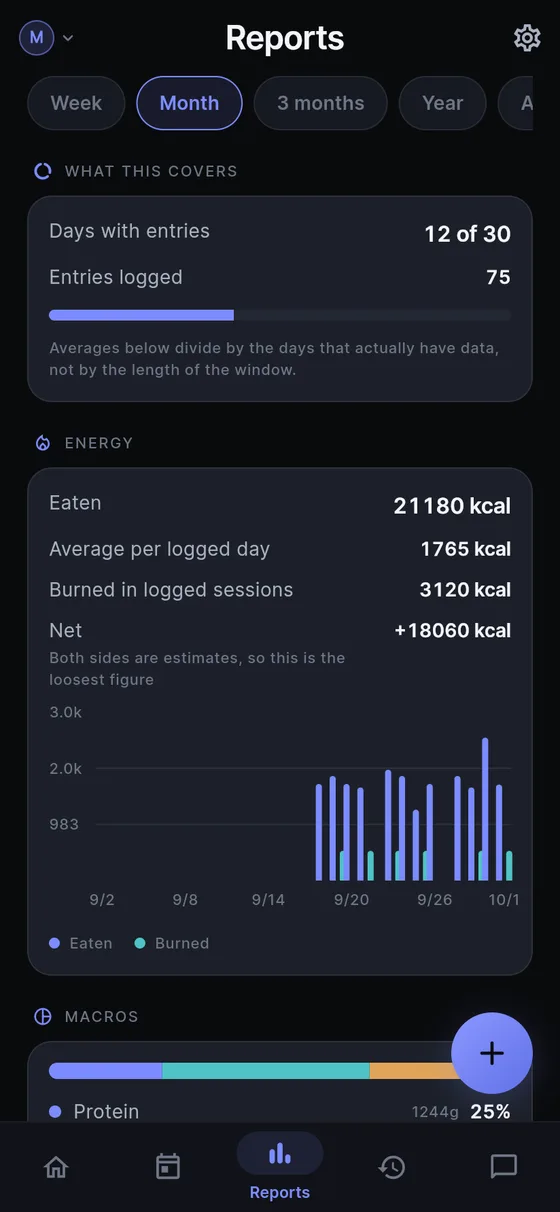
Today lists the night as an entry on the day you logged it. Reports includes sleep alongside training, weight and mood, across a week, a month or longer, so you can read your hours as a plain line. It describes the line. There are no targets, no “you slept less than last week” and no pass or fail colours. See health charts and reports.
Ask answers from your own entries: “how many nights did I wake up more than twice in October?” or “what did I log the night before the headache?” Only the rows needed are sent, never your whole history, and Sayved will not point out a pattern unprompted. Ask your health history shows how questions are answered.
For an appointment, the doctor report lets you pick a person, the sleep category and a date range, then print or share a dated list. Next to a symptom diary it gives a clinician something concrete: what you reported, on which nights, in your own words. Read more in the doctor visit report.
For children, a separate profile keeps their sleep apart from yours, with its own log file, so nothing can leak between profiles. See a child health log.
What are the honest limits of a voice sleep diary?
The big one: you are reporting, not measuring. People misjudge how long they slept, usually by being unsure when they dozed off. Sayved keeps your estimate as an estimate. It does not correct it, and it has no sensor, wearable link or microphone running overnight. If you want exact hours from a device, those readings would be entered by you.
It does not interpret anything. It will not say you slept too little, and it makes no promise that logging will improve your sleep. It is a place to put the night so that, weeks later, you are not guessing.
Pricing is the same for every category. There are 14 days free, then Sayved Pro is $2.99/month for AI reading of voice and photos and for Ask. Typing entries keeps working after that, and everything already logged stays readable, searchable and exportable, free, forever. You can export as CSV, with value, low, high and confidence columns, or delete everything from the device at any time.
 Sayved